
LUT Filing for Freelancers: Complete Guide 2026
Step-by-step guide to file LUT for freelancers exporting services to USA, UK, abroad. Documents needed, common mistakes, HSN codes. Avoid ₹50K penalty.
- What is LUT (Letter of Undertaking)?
- Who Needs to File LUT?
- How to File LUT: Step-by-Step Process
- Step 1: Login to GST Portal
- Step 2: Navigate to LUT Section
- Step 3: Fill Form RFD-11
- Step 4: Upload Documents
- Step 5: Submit Application
- Step 6: Track Status
- Documents Required for LUT Filing
- Common Mistakes to Avoid
- Mistake #1: Filing Too Late
- Mistake #2: Missing Documents
- Mistake #3: Wrong HSN/SAC Code
- Mistake #4: Forgetting to Renew
- What Happens If LUT Expires?
- LUT Validity Period
- HSN/SAC Codes for Common Freelance Services
- How Zolance Helps with LUT Management
- FAQs
- Conclusion
LUT Filing for Freelancers: Complete Guide 2026
If you're an Indian freelancer earning from USA, UK, Canada, or any foreign client, you NEED a Letter of Undertaking (LUT).
Without it, you'll pay 18% IGST upfront on every invoice — and wait months for a refund.
This guide covers:
- What is LUT and why you need it
- How to file LUT (step-by-step)
- Documents required
- Common mistakes to avoid
- What happens if LUT expires
Let's dive in.
What is LUT (Letter of Undertaking)?
LUT is a declaration you file with GST authorities stating that you'll export goods/services without paying IGST.
Simple version: LUT lets you invoice international clients at 0% GST instead of 18% IGST.
Example:
- WITHOUT LUT: Invoice $1,000 client → Charge 18% IGST (₹15,000) → Pay upfront → Claim refund after 2-3 months
- WITH LUT: Invoice $1,000 client → 0% GST → Client pays full amount → No tax hassle
Which would you prefer?
Who Needs to File LUT?
You need LUT if: ✅ You're a freelancer/service provider ✅ You export services to foreign clients ✅ Your annual turnover > ₹20 lakhs ✅ You want to avoid paying 18% IGST upfront
Services covered:
- Web development
- Graphic design
- Content writing
- Digital marketing
- Consulting
- IT services
- Any professional service exported
How to File LUT: Step-by-Step Process
Step 1: Login to GST Portal
- Visit www.gst.gov.in
- Login with your GSTIN and password
Step 2: Navigate to LUT Section
- Go to Services → User Services → Furnish Letter of Undertaking (LUT)
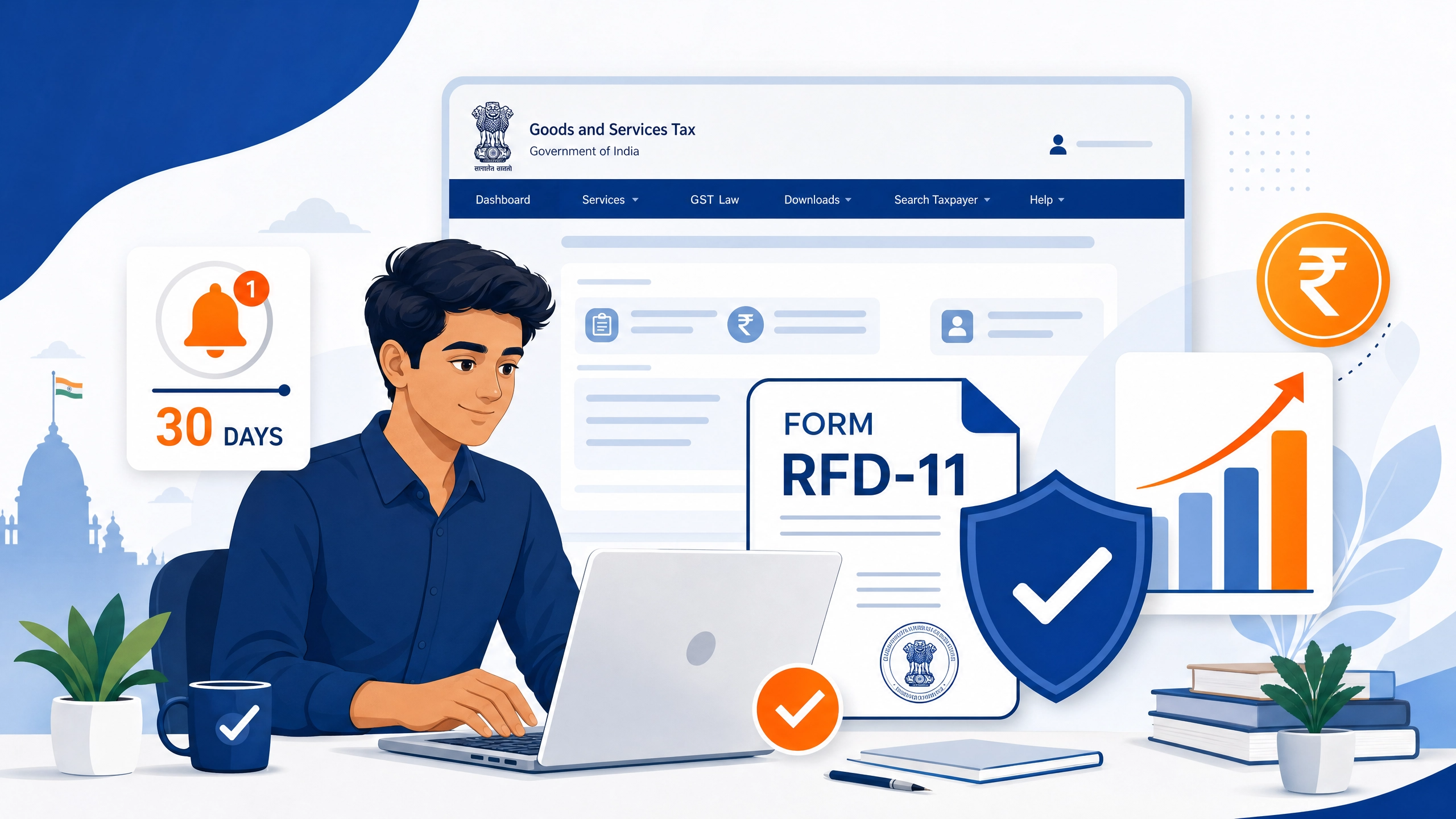
Step 3: Fill Form RFD-11
- Financial Year: Select current FY (2026-27)
- Declaration: Tick all boxes
- Export details: Mention service category
- Bank details: Add your bank account
Step 4: Upload Documents
Required documents:
- Export invoices (last 6 months) - PDF
- Bank statements showing foreign remittances - PDF
- ITR acknowledgment (previous year) - PDF
- Client agreements/contracts - PDF (optional but recommended)
- FIRA certificates - PDF (if available)
Step 5: Submit Application
- Review all details
- Click "Submit with DSC" or "Submit with EVC"
- Save ARN (Application Reference Number)
Step 6: Track Status
- Check status in Services → Track Application Status
- Approval takes 3-7 working days
- You'll receive approval on GST portal
Documents Required for LUT Filing
| Document | Why Needed | Format |
|---|---|---|
| Export Invoices | Proof of export services | |
| Bank Statements | Foreign remittance proof | |
| ITR Acknowledgment | Tax compliance proof | |
| Client Contracts | Service agreement proof | |
| FIRA Certificates | RBI compliance | |
| GST Certificate | Identity verification |
Pro Tip: Keep digital copies organized in a folder labeled "LUT-2026-27" for easy access.
Common Mistakes to Avoid
Mistake #1: Filing Too Late
Problem: You filed LUT in May, but needed it from April 1 Solution: File LUT by March 25th for next financial year
Mistake #2: Missing Documents
Problem: Application rejected due to incomplete docs Solution: Prepare all documents BEFORE starting application
Mistake #3: Wrong HSN/SAC Code
Problem: Mentioned wrong service code Solution:
- Web development: 998313
- Graphic design: 998311
- Consulting: 998314
Mistake #4: Forgetting to Renew
Problem: LUT expired, invoiced at 0% GST → ₹50,000 penalty Solution: Set calendar reminder for March 1st every year
What Happens If LUT Expires?
Scenario: Your LUT expired on March 31. You sent an invoice on April 5 at 0% GST.
Consequences:
- ❌ Invoice is invalid (should have 18% IGST)
- ❌ Penalty: ₹10,000 for wrong invoice format
- ❌ Penalty: ₹40,000+ for non-compliance
- ❌ Interest on unpaid IGST (18% per annum)
- ❌ GST audit risk increases
Total exposure: ₹50,000 - ₹1,00,000+
How to avoid this:
- File LUT renewal by March 25 (before March 31 expiry)
- Use Zolance to get auto-alerts at 30, 15, 7 days before expiry
- Never create invoices without valid LUT
LUT Validity Period
- Validity: 1 Financial Year (April 1 - March 31)
- Renewal: Every year before March 31
- Backdating: New LUT is valid from April 1 (not filing date)
Example:
- Filed LUT on May 15, 2026
- Validity: April 1, 2026 - March 31, 2027
- Covers all invoices from April 1 onwards
HSN/SAC Codes for Common Freelance Services
| Service | HSN/SAC Code |
|---|---|
| Web Development | 998313 |
| Graphic Design | 998311 |
| Content Writing | 998399 |
| Digital Marketing | 998399 |
| Consulting Services | 998314 |
| IT Support | 998313 |
| App Development | 998313 |
How Zolance Helps with LUT Management
Forgetting LUT renewal is the #1 mistake freelancers make.
Zolance automates this: ✅ Tracks your LUT expiry date ✅ Sends email alerts at 30, 15, 7 days before expiry ✅ Blocks invoice creation if LUT expired (prevents penalties) ✅ Auto-populates LUT ARN on all invoices ✅ Stores LUT documents in secure cloud
Try Zolance free: zolance.in
FAQs
Q: Can I file LUT after exporting without LUT? A: Yes, but you'll face penalties. File immediately and pay any outstanding IGST.
Q: Is LUT mandatory for all exporters? A: No. Only if you want to export at 0% GST. Otherwise, charge 18% IGST and claim refund.
Q: Can I use one LUT for multiple services? A: Yes. One LUT covers all your export services.
Q: What if my LUT application is rejected? A: Check rejection reason, fix issues, and reapply. Common reasons: incomplete docs, wrong HSN code.
Q: Do I need to file LUT separately for each state? A: No. One LUT is valid for exports from any state.
Conclusion
Filing LUT is non-negotiable for freelancers earning from abroad.
Key Takeaways: ✅ File LUT before April 1 every year ✅ Keep all documents ready ✅ Use correct HSN/SAC codes ✅ Never invoice without valid LUT ✅ Set reminders for renewal (or use Zolance)
Next Steps:
- Check your LUT expiry date
- Set up auto-reminders
- Prepare renewal documents
- File before March 25, 2027
Need help tracking LUT expiry? Try Zolance — it sends automatic alerts and prevents costly mistakes.
About the Author: This guide was created by the team at Zolance, a GST compliance automation tool for Indian freelancers. We help 1,000+ freelancers automate LUT tracking, invoice generation, and tax filing.